
Interactive terminal + headless exec
Streaming terminal UI with slash commands, saved sessions, and provider/model switching. Or run a single task headless with --prompt and exec, and stream JSON events with --json for scripts and CI.
Open source · AGPL-3.0
A local-first terminal coding agent. Interactive or headless, with a typed SDK and JSON event stream, 19+ providers, and tools that run locally. Desktop Agents (Alpha) and Studio (Beta) are in progress — not shipped yet.
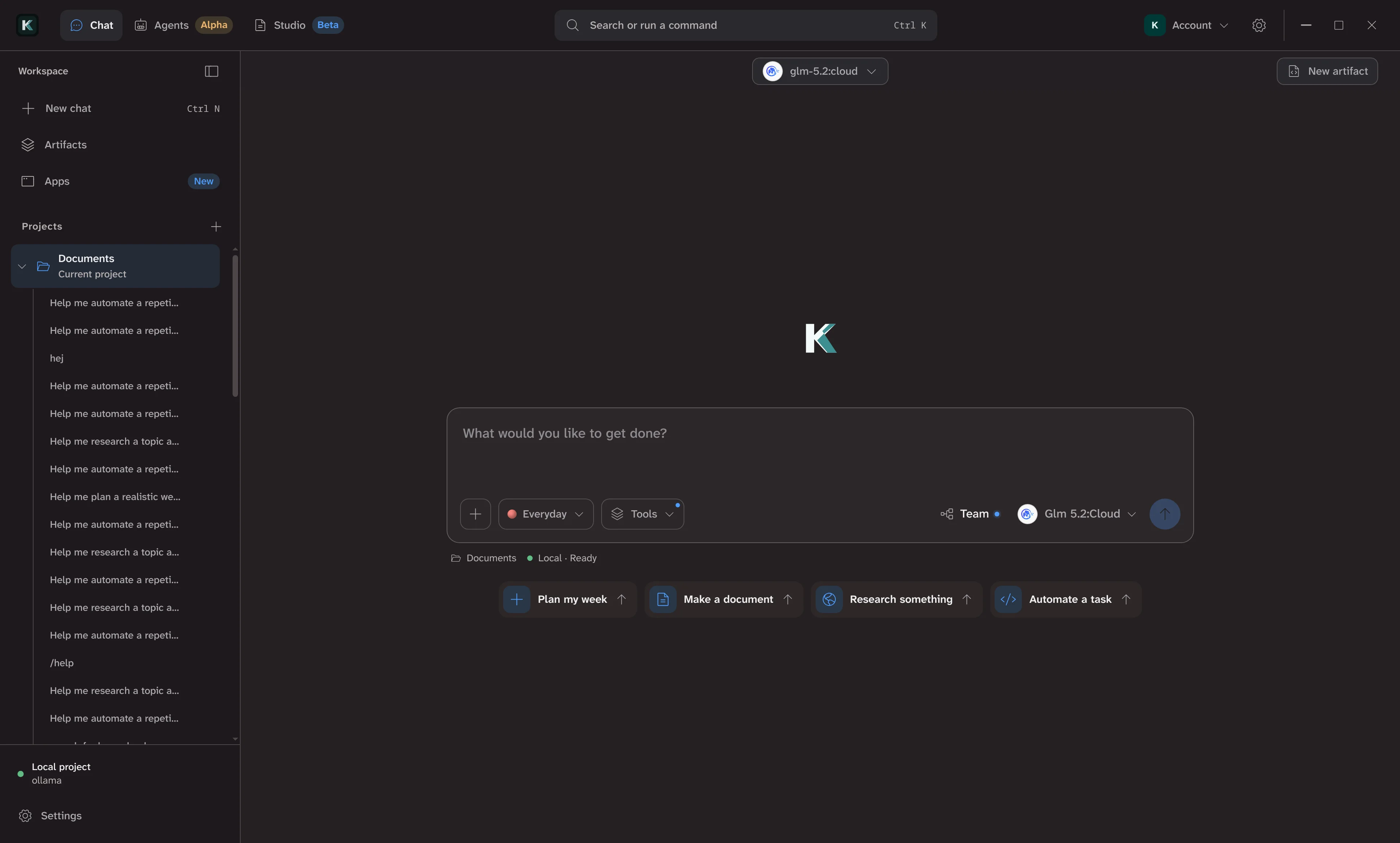
The CLI coding agent is the stable entry point today. The same agent engine and event stream power the desktop app, web app, SDK, and plugins.
Streaming terminal UI with slash commands, saved sessions, and provider/model switching. Or run a single task headless with --prompt and exec, and stream JSON events with --json for scripts and CI.
Embed Khadim in Node.js apps with runAgentStream. The same normalized event stream — text_delta, step_start, step_update, step_complete, question, done, error — drives the CLI, desktop, and web.
OpenAI, Anthropic, Gemini, Groq, xAI, OpenRouter, Mistral, Cerebras, Copilot, Codex, and local-compatible options. Credentials are read from environment variables or the interactive settings panel.
Plugins are sandboxed WebAssembly modules that expose tools to the agent. A manifest requests fs, http, store, and desktop UI capabilities. Tools run locally, on your machine, unless you opt into a remote runner.
One shared agent engine. The CLI is the workhorse today; desktop and web are active build surfaces — tracked as Alpha/Beta, not as finished products.
apps/khadim-cli — interactive terminal UI, headless exec, SDK, and npm package.
crates/khadim-ai-core and khadim-coding-agent — provider integrations, model registry, agent loop, sessions.
Astro Starlight docs site at unravelaidk.github.io/khadim.
Electron desktop prototype for agent runs and local projects. Under active development.
Artifact workspace for documents, React sites, and canvases in the desktop prototype.
Khadim runs locally and calls the provider you configure. Install the npm package or use the installer script — desktop and web arrive incrementally.